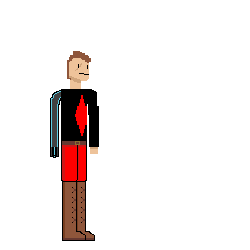
Off the Rails
A downloadable game for Windows and macOS
press c for controls
please leave a comment, i would love to know you stopped by
TO ADD,
levels
music
general sound design
bosses
story
animations
Download
Install instructions
press the download button, go to the newly downloaded zip file, press extract, then go to the new unziped file, then press OffTheRails.exe
for the windows version, buckle up
1. Unzip OffTheRails-mac.zip (double-click it) → you get FirstGame.app. Move it to the Desktop.
2. Open Terminal (press Cmd+Space, type Terminal, Enter).
3. Type this, with a space at the end (don't press Enter yet):
xattr -cr
4. Drag FirstGame.app onto the Terminal window — it auto-fills the path — then press Enter.
5. Double-click FirstGame.app → it opens.
hope this works